Climb and Jump Tower controls
PC binds, mobile UI, and the momentum tip that makes every jump pay more.
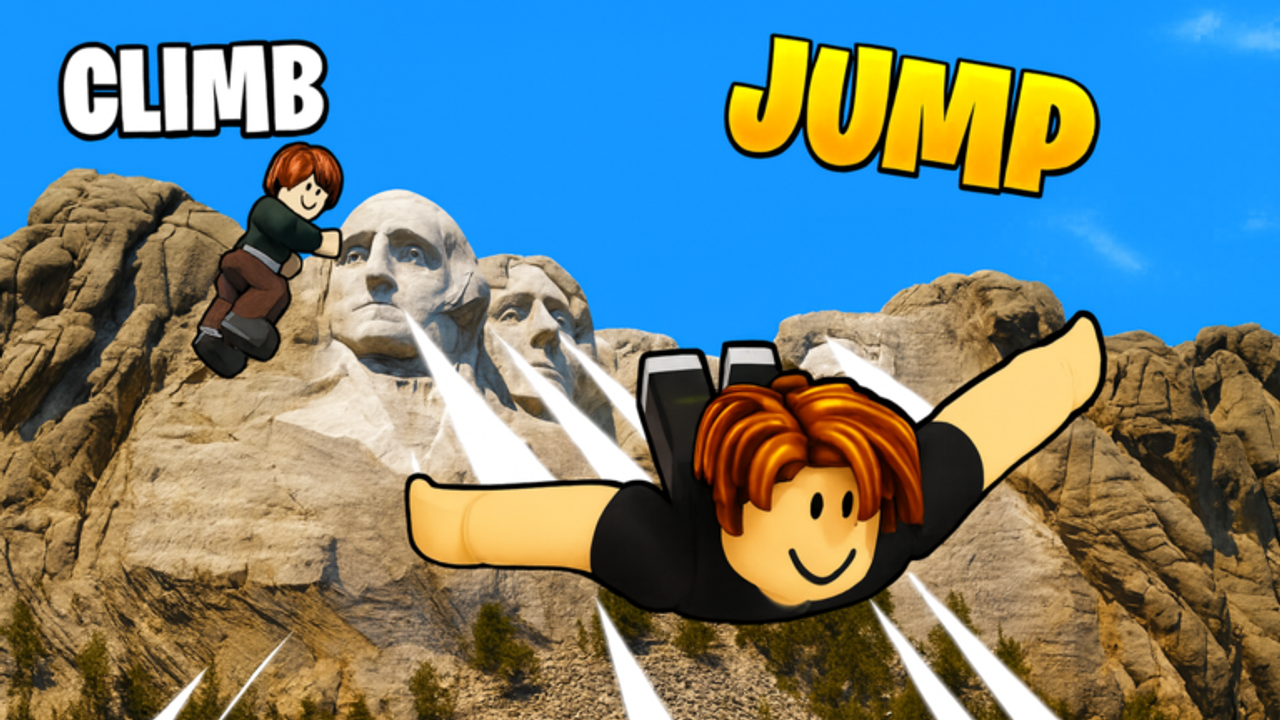
Controls in Climb and Jump Tower look light until you realize most coin income is timing, not button mashing. You climb with wing speed, hold forward to keep momentum, and jump when the climb stops gaining. Messy inputs waste height. Clean inputs turn the same wing into more coins per minute. This page covers PC, mobile, menus, and the climb tip that shows up in almost every good beginner session.
The game is a released Roblox title by Climbing World with online multiplayer lobbies, so you will see other players racing the same landmark while you learn the keys. Ignore their cosmetics. Copy their patience on the climb bar.
PC controls
These are the binds most players use on keyboard and mouse:
- WASD. Move. For climbing, hold W to keep vertical momentum instead of tapping.
- Space. Jump. Use it when climb speed plateaus so you cash height into coins, or when you need a short hop near platforms and shop pads.
- Shift. Sprint on the ground between shops, pedestals, and the tower base.
- B. Open or focus the wings flow so you can equip or check the left-side wing shop options quickly.
- P. Open pets so you can equip hatches from the right-side eggs.
- M. Menu for broader game panels.
- E. Shop interactions when you are on a purchase pad.
- Code button / gear. Redeem promo codes. Keep Codes nearby so you type working rewards on the first try.
- Esc. Open settings when you need graphics, sensitivity, or audio adjustments mid-session.
- R. Quick code redeem when a menu panel is already open—useful after copying a string from the Codes Hub.
If a bind feels dead, check whether a UI panel is already open. Menus in Roblox experiences often swallow movement until you close them.
Mobile controls
Touch layout mirrors the same systems with on-screen controls:
- Joystick. Move and hold forward while climbing.
- Jump button. Same job as Space. Tap when speed stalls, not every half second.
- Sprint button. Close gaps on the lobby floor between wing shop, egg pedestals, and the tower.
- UI icons. Wings, pets, menu, shop, and codes live as icons rather than letter keys. Learn their positions once so you are not hunting mid-climb.
Mobile players should still follow the wing-first economy in Wings and the hatch plan in Pets. Input device does not change spend order.
The climb tip that matters
Hold W to build momentum. Jump when your speed plateaus. That sentence is the skill floor.
What it means in practice: start the climb, keep forward held, watch the speed or height feedback, and wait until the gain flattens. Jumping early cuts the payout. Holding forever after a hard stall wastes time. The sweet spot is the first clear plateau, then jump, land the coin grant, buy the next upgrade, and repeat.
This tip pairs with better wings. A weak wing plateaus low. A stronger wing plateaus higher, so the same habit prints more coins. Pets then multiply that payout. Controls skill without shop skill still feels slow; shop skill without timing leaves money on the tower.
Lobby navigation habits
Sprint between the left wing shop and right egg pedestals. Buy, equip, then return to the tower base without wandering. Use E or the shop UI only when you are ready to spend, so you do not open panels by accident mid-route. After a good jump streak, open pets with P and confirm your best multipliers are equipped before the next climb.
When you unlock a new world through Unlock worlds, re-learn the shop positions. The left-right pattern is consistent, but pad placement shifts with each landmark.
Multiplayer and camera notes
Other climbers can block your view near the base. Strafe with A and D if someone stands on a pad you need. Camera angle matters more than people admit: tilt so you can see both your climb path and the moment speed stops rising. If you only watch the skybox, you will mistime jumps.
Practice drill for ten minutes
- Redeem any fresh codes.
- Equip your best wing and pets.
- Do five climbs where you refuse to jump until the plateau.
- Compare coin totals against five panicked tap-jump climbs.
- Spend the difference on the next wing tier.
Most players see the point after that drill. From there, fold the habit into the loop in Getting started and Fast progress.
Related pages
- Getting started for the full first-session plan
- Wings for why speed gear comes first
- Coins and wins for how height becomes currency
- Codes for redemption rewards that fund upgrades
Good controls will not clear endgame landmarks alone, but bad controls will make every upgrade feel weaker than it is. Hold W, wait for the plateau, jump once with intent, then spend the coins where they raise the next climb.
Frequently Asked Questions
Quick answers for Climb and Jump Tower climbers.
What is the most important Climb and Jump Tower control tip?
Hold W to build climb momentum, then jump when your speed plateaus instead of tapping jump the whole way up.
How do I open wings and pets on PC?
Use B for wings and P for pets. The wing shop is usually on the left side of a world and egg pedestals on the right.
Where do I redeem codes?
Use the Code button or gear UI in-game. On PC you can also press R when a menu is open. Then enter a working code from the Codes hub.
How do I open settings on PC?
Press Esc to reach settings for graphics and sensitivity without leaving the lobby.
Are mobile controls different mechanically?
Mobile uses a joystick and on-screen buttons, but the climb tip and upgrade priorities are the same as PC.