Climb and Jump Tower Links Hub
Official game access and a clean map of every major hub on this wiki.
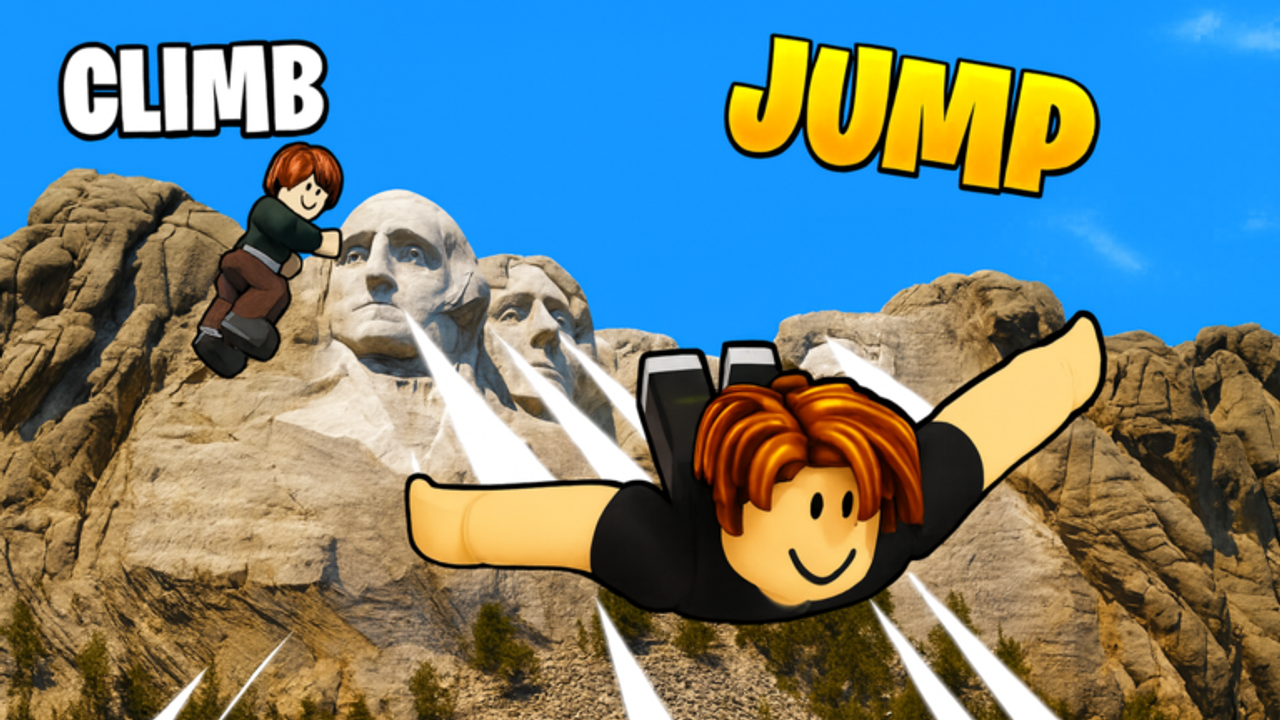
This Links Hub is the front door for Climb and Jump Tower on the web: one official Roblox destination, then a full internal map of the wiki hubs that cover codes, scripts, tiers, guides, worlds, tools, and updates. The game itself is a released Roblox online experience by Climbing World.
Official game link
Play here:
That is the official game page. Use it to launch the experience, favorite the place, and confirm you are in the real Climbing World title rather than a copycat lobby.
This wiki is a fan-made guide site. It is not the Roblox company and not the developer support desk. For store purchases, passes, and live unlock boards, trust the client that opens from the official link above.
Official community
Join the developer community when you want patch chatter or group rewards:
Group perks change with updates. Treat the group page like the live game—verify what is active today before you rearrange your climb plan.
Internal wiki map
Use these hubs when you already know the category you need.
Codes
Codes Hub tracks redeemable rewards and how to claim them. Start there on patch days or whenever you log in after a break.
Scripts
Scripts Hub covers script-related pages on this wiki. Stay safe, avoid sketchy external executors pitched in random chats, and treat anything that asks for your password as an immediate no.
Tier list
Tier List Hub explains how we rank pets and wings. From there you can open the pets and wings lists when you need purchase priority instead of general lore.
Guides
Guides Hub is the how-to shelf: getting started, pets, wings, unlocks, coins and wins, free gifts, wing enchantment, trails, fast progress, and other walkthrough style pages as they are added.
Worlds / players
Worlds Hub is labeled Worlds in navigation because landmark progression is the roster of this game. Use it for world overviews, the landmark list, game pass value talk, and the Season Pass track.
Tools
Tools Hub holds actionable planners such as the world checklist and boost planner. Open these when you need an order of operations for a session.
Updates
Updates Hub explains how patches add worlds, eggs, and codes, with New Worlds for changelog patterns, Mount Everest for World 11 systems, and Events for seasonal windows.
Suggested paths by goal
If you are brand new: official Roblox link, then Guides Hub, then Codes Hub.
If you are stuck on income: Tier List Hub pets page, Pets guide, Boost Planner, Codes.
If you are stuck on height: Tier List Hub wings page, Wings guide, current-world shop purchases.
If you are stuck on unlocks: Worlds Hub, Unlock Worlds guide, World Checklist.
If a patch just landed: Updates Hub, Codes Hub, then World Checklist before spending wins.
Why a links hub still needs words
A pure bullet page goes stale in your brain. The short advice under each hub tells you what problem that hub solves so you stop opening every page hoping one of them is magical. Climb and Jump Tower progression is repetitive on purpose. The wiki is useful when it sends you to the right repetition faster.
Official links get you into the server. Internal links get your shopping and unlock decisions out of pure guesswork.
Safety notes around external links
Only the Roblox game link above is treated as the official play destination on this page. Be careful with random Discord invites, “free Robux” pages, or script sites that ask you to download unknown executables. If a stranger promises secret free passes for your password, leave.
When this wiki links internally, it uses trailing-slash paths so locale routing can work cleanly across English and translated sections.
How the hubs work together
Codes feed coins and luck. Guides teach the loop. Tier lists prioritize spends. Worlds explain where the trail goes. Tools sequence a session. Updates tell you when the trail grew. Scripts pages stay isolated from normal progression advice so players who never want that topic can ignore it.
You do not need every hub every day. You need the one that matches today’s bottleneck.
Keeping this map honest
When new major hubs are added to the wiki, they should be linked from this page. When a hub changes purpose, the one-line description here should change with it. This page is a map, not a museum label.
If a child page is missing in your language build during localization work, the English path still describes the intended structure of the site.
Practical takeaway
Launch from the official Climb and Jump Tower Roblox page, then use the internal map: Codes, Scripts, Tier List, Guides, Worlds, Tools, and Updates. Pick the hub that matches your bottleneck and climb with a plan.
Bookmark this Links Hub if you want one URL that points both outside to Roblox and inside to the rest of the wiki.
Frequently Asked Questions
Quick answers for Climb and Jump Tower climbers.
What is the official Climb and Jump Tower link?
The official Roblox game page is https://www.roblox.com/games/123921593837160/Climb-and-Jump-Tower.
Is this wiki official?
No. It is a fan-made guide site. The live game, store, and unlock boards in Roblox are authoritative.
Which wiki hub should new players open first?
After the official game link, start with Guides and Codes, then use Worlds and Tier List as soon as shopping decisions appear.
Where do worlds and game passes live?
Under the Worlds Hub at /players/, which covers landmark progression and optional passes.
Does this page link every major hub?
Yes. Codes, scripts, tier list, guides, players/worlds, tools, and updates are all linked from the internal wiki map.