Climb and Jump Tower Updates Hub
What usually changes when Climbing World ships the next Climb and Jump Tower patch.
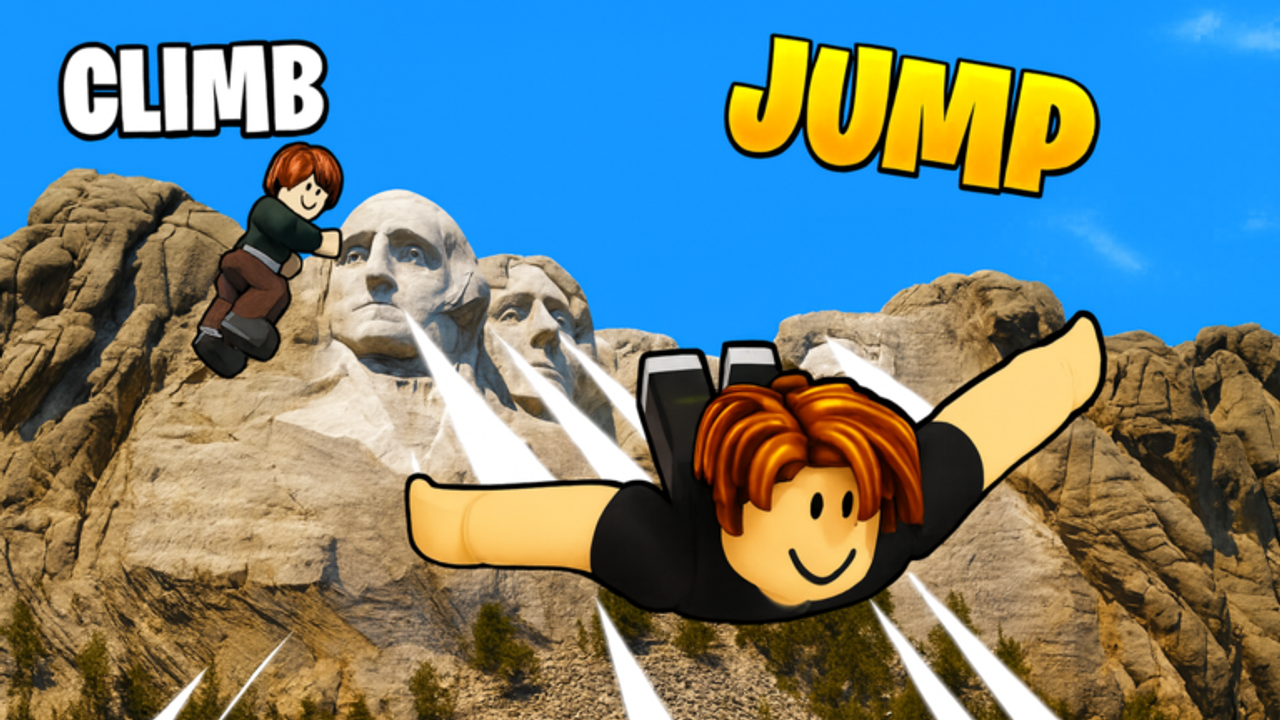
Climb and Jump Tower stays interesting because Climbing World keeps extending the landmark trail. This Updates Hub explains the usual patch pattern for the released Roblox online game: new worlds, new eggs, shop resets, and code drops that show up around those moments.
For changelog style notes on NEW WORLD patterns and community-observed themes, open New Worlds. For the Himalayas landmark systems patch, open Mount Everest. For timed Tech Hero, Ironman, and mystery-mode windows, open Events. For free rewards that often accompany patches, open Codes.
What an update usually changes
Most meaningful updates touch at least one of these systems.
Worlds: a new landmark or themed map appears, often marketed with NEW WORLD language in the title or lobby. That extends the unlock spine and creates a new wing shop ceiling.
Eggs and pets: new egg tiers or event pets arrive so coin income can catch up to new prices. Legendary and secret style chases get fresh targets.
Codes: free coins, luck, wins, or other helpers appear for a limited time. Redeeming them during the first weekend of a patch can change how fast you adapt.
Quality-of-life and events: pixel themes, tech hero or Ironman style moments, city celebrations, and similar event framing show up in community reports. Exact contents vary by patch.
Why updates matter to your loadout
A new world without a new shopping plan is how accounts stall. The wing that felt S tier yesterday becomes a transitional piece. Pets that carried the previous landmark may still be fine, or they may need the new egg tier.
Read updates as shopping alerts, not only as sightseeing alerts. If the patch adds a landmark, assume you will need current-world speed. If it adds eggs, assume there is a new income ceiling worth planning a luck window around.
How to use this hub after a patch
- Skim New Worlds for the pattern and any community-observed theme notes.
- Open Mount Everest when World 11 systems or the enchantment machine are live.
- Open Events if the lobby shows a limited banner or pass bundle.
- Check Codes and redeem anything live.
- Revisit your world checklist before spending wins on the new gate.
- Re-rank your purchases with the pets and wings tier lists if shops clearly moved.
That four-step loop keeps the wiki useful on patch day without pretending we mirrored every Roblox description word for word.
Community-observed versus official certainty
Some update details travel through player reports before they settle into stable wiki language. This hub is careful on purpose. We describe recurring patterns such as NEW WORLD drops, pixel update chatter, tech hero or Ironman style events, and Tokyo or Opera House mentions as community-observed update themes when that is what players are tracking.
If your client does not show a theme yet, trust the in-game lobby over any page. Wikis follow the live game, not the other way around.
Updates and codes
Codes are the fastest patch day win for many players. A coin code can fund the first new wing. A luck code can fund the first new egg batch. A wins code can soften an unlock gate. That is why this hub links codes beside new worlds rather than treating rewards as trivia.
Do not hoard a code screenshot for a week during a patch. Redeem, then climb.
Updates and progression guides
Fast progress advice still applies after patches, but the targets move. The best wing is once again the highest priced option in the world you can access. The best pets are once again the strongest multipliers you can hatch from the newest sensible egg tier. Unlock guides still care about wins; they just may point at a newer landmark.
If a patch confuses your route, return to fundamentals instead of chasing every event currency rumor at once.
How often to check this hub
Check after you notice a title change, lobby banner, or sudden shop refresh. Check when friends mention a NEW WORLD. Check when codes pages start moving. You do not need to refresh every hour during quiet weeks.
During quiet weeks, improve loadouts inside the current landmark. Updates reward accounts that were already efficient more than accounts that waited for a patch to fix bad shopping habits.
What we keep out of the hub
We keep invented patch dates, fake multiplier tables, and unverified leak lists out of the main advice. Changelog flavor belongs on the new worlds page with clear community-observed language. Exact live codes belong on the codes page where they can be updated cleanly.
Practical takeaway
Climb and Jump Tower updates usually add worlds, eggs, and code opportunities. Use this hub to orient, New Worlds for the changelog style pattern, and Codes for redeemable rewards. Then fix wings, pets, and unlock readiness for the bracket you are actually playing.
Patches extend the trail. Prepared climbers enjoy them. Unprepared climbers stare at new prices. Be the first group.
Frequently Asked Questions
Quick answers for Climb and Jump Tower climbers.
What do Climb and Jump Tower updates usually add?
New landmark worlds, egg or pet options, shop changes, and often codes or event framing around the drop.
Where are new world notes tracked on this wiki?
Open the New Worlds page for changelog style patterns and the Events page for limited seasonal windows.
Should I redeem codes after a patch?
Yes. Patch windows often include useful coin, luck, or win rewards that help you adapt to new shops faster.
Do updates make old wings useless?
They often make old wings transitional. Buy the best affordable wing in the world you can currently access after a shop refresh.
How should I treat community update rumors?
Treat them as leads. Confirm in your live client, then use this hub's pattern advice once the content is actually there.